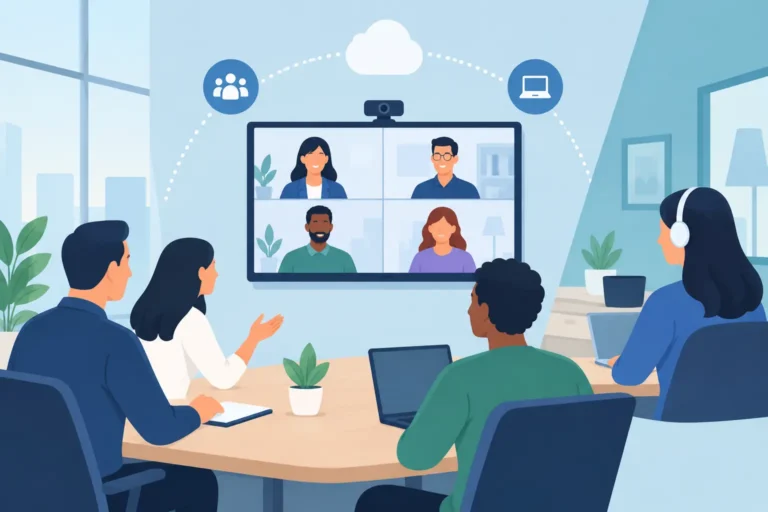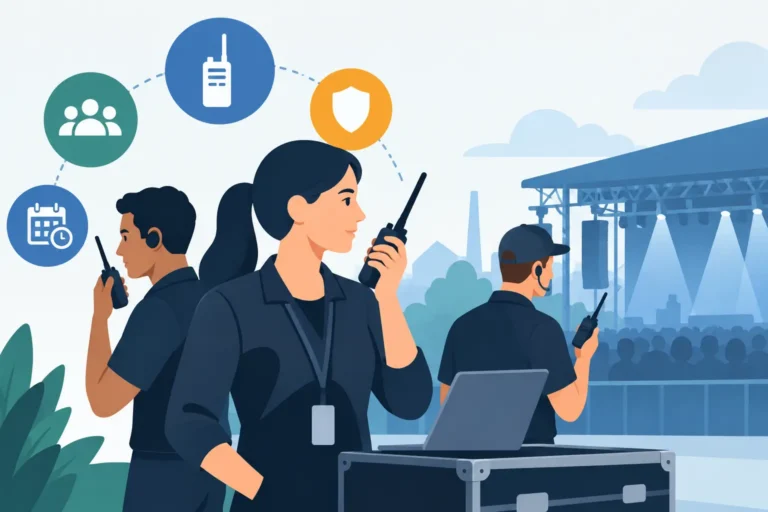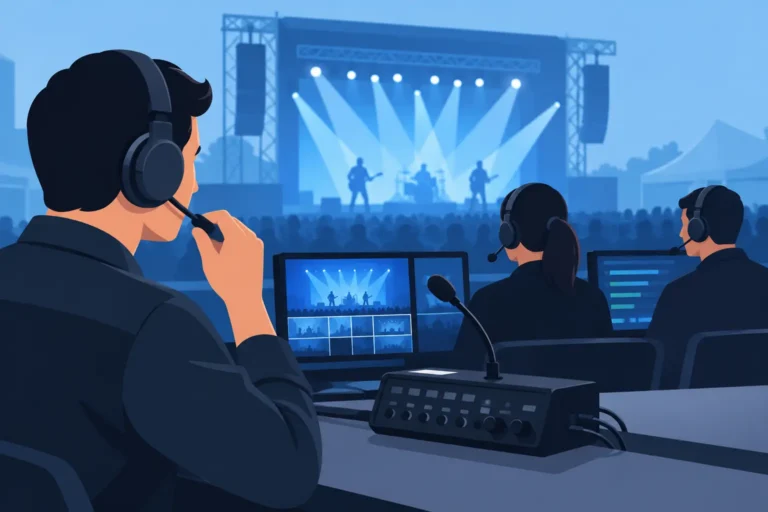
A hybrid event can lose its audience in seconds when remote participants cannot hear a question from the room, a presenter cannot see chat activity, or interpretation reaches one audience but not the other. Hybrid event technology is the operational layer that prevents those gaps. It connects the people in the venue, online speakers, remote viewers, moderators, and technical crew so every participant can follow, contribute, and make decisions with confidence.
For conferences, corporate meetings, government forums, and multi-room summits, the objective is not simply to add a video call to a live program. The objective is to create one managed event experience across two environments with clear communication, controlled content, and dependable technical support.
What Hybrid Event Technology Must Deliver
A successful hybrid setup begins with a clear definition of the audience experience. In-room attendees need professional sound reinforcement, presentation displays, properly placed microphones, and a stage environment that supports the agenda. Remote attendees need broadcast-quality audio and video, readable presentation content, access to interpretation where required, and a clear way to submit questions or participate in discussion.
These needs overlap, but they are not identical. A camera position that looks excellent to a remote audience may obstruct sightlines in the room. A speaker who can be heard through venue loudspeakers may still sound distant or unclear on a live stream. Hybrid production accounts for both experiences from the first site survey and technical plan.
The core technology package usually combines conference microphones or wireless microphones, professional audio mixing, cameras, video switching, displays or confidence monitors, recording equipment, presentation control, and a reliable streaming or virtual meeting platform. Depending on the event, it may also include digital name signs, teleprompters, audience-response tools, remote interpretation, AI speech translation, and two-way radios or show intercoms for crew coordination.
Audio Is the Priority, Not an Afterthought
Organizers often focus first on video because it is the most visible part of a hybrid event. Yet audio is what determines whether remote attendees stay engaged. If viewers struggle to understand a panelist, moderator, or question from the audience, high-resolution video will not solve the problem.
Every speaking position should be planned. This includes lecterns, panel tables, roaming presenters, audience Q&A, and online contributors. Conference discussion systems are particularly effective for board meetings, summits, and formal forums because each delegate has a dedicated microphone, with structured request-to-speak and chairperson controls where needed.
The audio workflow must also include mix-minus routing. In practical terms, remote speakers should hear the room without receiving an echo of their own voice. The technician must manage audio feeds for the venue system, online platform, recording, interpretation booths, and any overflow spaces. This is detailed work, but it is what makes conversation feel natural rather than delayed and disjointed.
Build Video Around the Agenda
Hybrid video should serve the format of the program. A keynote may require a wide stage camera, a presenter close-up, and a feed of slides or product demonstrations. A panel discussion needs coverage of the moderator, all panelists, and a clear method of bringing remote guests onto in-room displays. Training sessions may need document cameras, screen capture, or a confidence monitor so the presenter can see remote participants without turning away from the room.
Video switching allows the production team to move between cameras, presentations, remote speakers, pre-recorded content, and branded holding slides. This creates a professional program feed rather than a static view from the back of the room. Recording can be configured separately, which is useful when the organization needs an edited archive, compliance record, internal training asset, or post-event content.
Not every event requires a multi-camera broadcast setup. A leadership town hall with a modest online audience may work well with one or two cameras and a focused production plan. A major international congress, on the other hand, may require multiple camera operators, dedicated streaming control, speaker return monitors, and redundant signal paths. The right approach depends on the program, attendee expectations, venue layout, and consequences of disruption.
Multilingual Access Needs Its Own Technical Plan
For international meetings in Dubai, across the GCC, and worldwide, language access is often central to attendee participation. It cannot be treated as a last-minute add-on.
Simultaneous interpretation systems can support delegates in the room through infrared or digital receivers and headsets, while remote attendees receive the correct language channel through the chosen online environment. Remote interpretation can also bring qualified interpreters into the program without requiring every language team to travel to the venue. AI speech translation may be appropriate for selected sessions, captions, or informal multilingual engagement, but it should be evaluated carefully for terminology, speaker accents, sensitive subjects, and the level of accuracy required.
The key is to map language requirements across every audience group. Determine which languages speakers use, which languages attendees need to hear, whether remote guests can ask questions in their preferred language, and how interpretation is delivered into recordings. Early planning prevents the common mistake of serving the room well while leaving online delegates without equivalent access.
The Venue Network Is Part of the Production System
A hybrid event relies on internet connectivity, but a venue connection alone is not a production plan. Before the event, the technical team should test dedicated bandwidth, upload speed, network stability, platform access, firewall restrictions, and backup connectivity. They should also identify who controls the venue network and how quickly support can respond if conditions change during the program.
Critical signals should be separated where possible. Streaming, presenter content, event administration, and guest Wi-Fi may all compete for capacity if they share the same connection. For high-stakes events, backup internet options and local recording provide valuable protection. Redundancy adds cost, but it is usually justified for executive communications, public-sector events, investor announcements, or sessions featuring international speakers.
Power planning deserves the same attention. Cameras, displays, interpretation equipment, audio control, networking devices, and charging stations all need safe, managed distribution. A technical site survey identifies cable routes, equipment positions, access requirements, and potential trip hazards before attendees arrive.
Design Participation for Both Audiences
Hybrid events fail when online attendees become passive viewers of a room-first conversation. Moderation is the answer. Assign someone to monitor remote questions, chat activity, polls, raised hands, and technical requests. That person should work directly with the in-room moderator and show caller so remote contributions are acknowledged at the right moment.
For interactive sessions, set clear rules at the beginning. Explain how remote participants ask questions, when they should unmute, where interpretation channels are selected, and how presentations or recordings will be shared. Small instructions make a measurable difference, especially when the audience includes senior executives, government delegates, or international participants using different devices and languages.
Physical room design also affects participation. Place audience microphones where they can be reached easily. Ensure presenters can see remote speakers on a confidence monitor. Use digital name signs when formal identification helps remote viewers follow the discussion. If the event includes breakout rooms, make sure each room has an appropriate technical standard rather than concentrating all resources in the main hall.
Why Managed Rental Support Reduces Risk
Hybrid event technology includes equipment, but reliable execution depends on people who understand the full signal path. A managed rental partner can specify the system around the venue and agenda, install and test the equipment, operate key sessions, and troubleshoot issues without pulling the event organizer away from speakers and attendees.
This is particularly valuable when an event combines conference microphones, interpretation, broadcast video, remote contributors, and multiple rooms. Owning equipment may suit organizations with frequent, standardized in-house programs and dedicated technical staff. For most conferences and corporate events, rental provides access to current enterprise-grade systems without the capital expense, storage, maintenance, licensing, and specialist staffing involved in ownership.
DLC Events supports this approach with tailored conferencing, communications, audio, lighting, and hybrid-production packages backed by experienced technical crews. The requirement is not to rent more equipment than necessary. It is to deploy the right equipment, with the right support level, for the event outcome.
Plan the Technical Run Before Attendees Arrive
A rehearsal should include more than testing whether the stream is live. Run the opening sequence, presentation handoffs, remote speaker entrances, Q&A process, interpretation channels, video playback, and closing remarks. Confirm who has authority to pause the program if an essential technical issue arises and how the audience will be informed.
Remote presenters should receive a briefing before event day. They need guidance on their internet connection, camera position, lighting, microphone or headset, presentation-sharing process, and expected arrival time in the virtual green room. A strong remote contributor can still look unprepared if these details are ignored.
Before the agenda is finalized, ask one practical question: can a participant in the room and a participant thousands of miles away hear, see, understand, and contribute on equal terms? If the answer is not yet clear, the technical plan needs more work – and addressing it early is far easier than correcting it once the event is live.