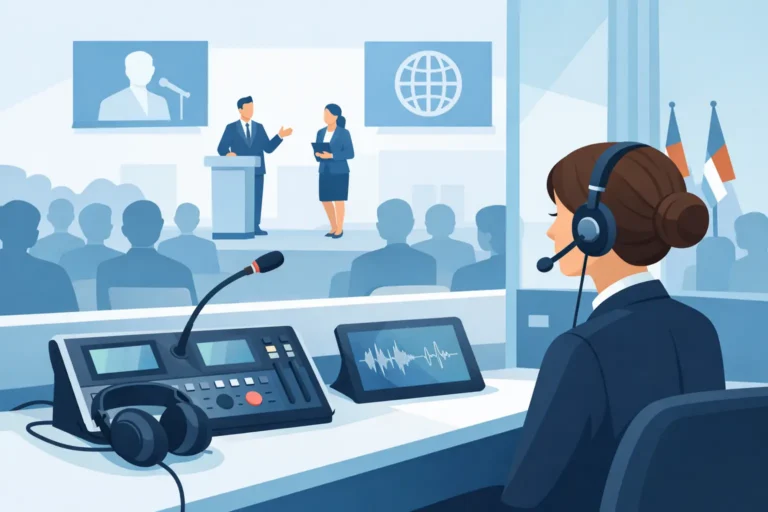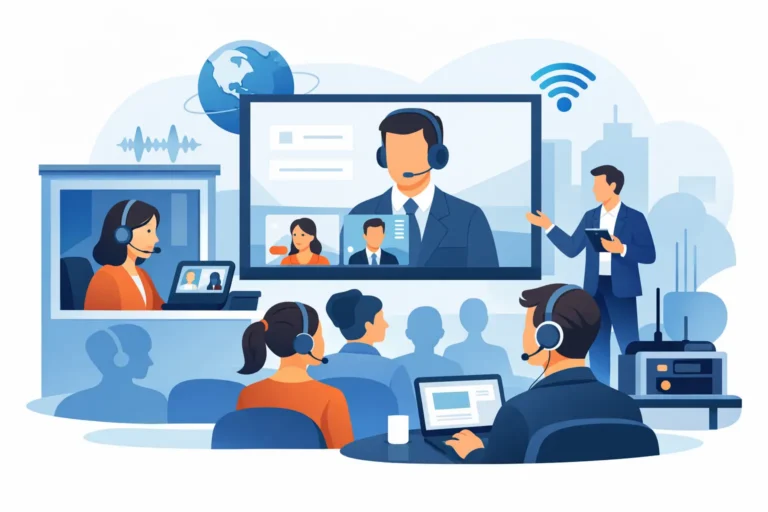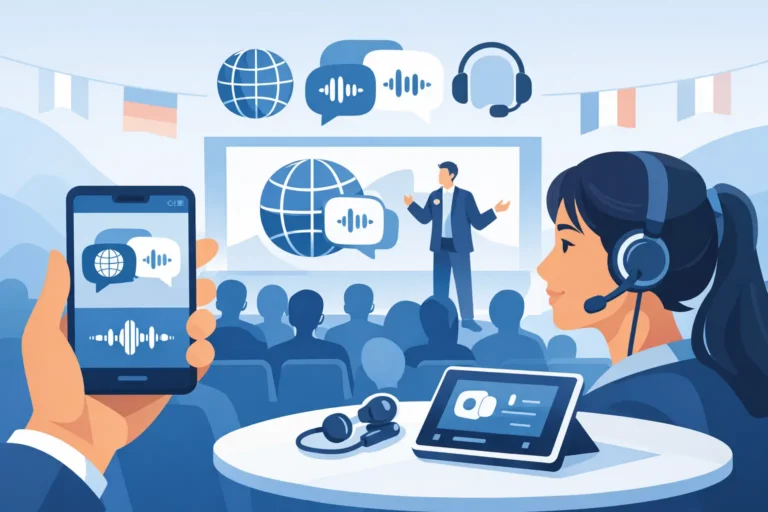
A conference can have an impressive venue, experienced speakers, and a full registration list, yet still feel disorganized if session timing, delegate information, voting, and speaker coordination are managed across disconnected tools. Conference management software events bring these moving parts into one controlled operating environment, giving organizers clearer visibility before, during, and after the program.
For corporate meetings, government summits, association conferences, and multi-room events, the right system is not simply an attendee app. It is a practical event control tool that supports the people responsible for decisions, communication, and delivery on site.
What Conference Management Software Should Control
Conference management software is designed to coordinate the administrative and interactive elements of a live, hybrid, or virtual event. Its purpose is to replace fragmented spreadsheets, paper agendas, manual delegate tracking, and improvised voting processes with a more reliable workflow.
The best configuration depends on the event format. A board meeting may need secure delegate identification, microphone control, and confidential voting. A regional summit may require session schedules, speaker profiles, attendee communications, live polling, multilingual content, and reports for several hundred delegates. An exhibition conference may prioritize registration, badge data, lead capture, and agenda updates.
A well-planned system typically connects registration data, attendee profiles, agendas, speaker information, session access, and engagement tools. It gives organizers a current view of who is attending, which sessions are active, and where a technical or operational issue needs attention.
This matters most when changes occur. A room change, delayed keynote, substitute speaker, or adjusted session order can create confusion quickly when updates depend on printed materials or multiple teams relaying information manually. Software allows authorized event staff to publish a controlled update to the relevant audience.
Start With the Event Workflow, Not the Feature List
Software demonstrations can make every feature appear essential. In practice, the right platform is the one that supports the actual operating plan without adding unnecessary complexity for delegates or staff.
Begin by mapping the attendee journey. Consider how guests register, receive confirmation, check in, access their agenda, find sessions, submit questions, vote, and receive follow-up information. Then map the organizer journey: how the production team confirms attendance, manages access, monitors engagement, supports speakers, and exports reports.
For a single-day corporate conference, a focused setup may be more effective than a feature-heavy platform. Digital registration, QR check-in, a live agenda, speaker information, notifications, and audience Q&A may cover the requirement. For a large international congress, the system may need multiple registration categories, invitation approvals, access controls, session capacity rules, multilingual interfaces, sponsor visibility, and detailed analytics.
There is a trade-off between flexibility and simplicity. Highly customized registration paths and attendee permissions can be valuable for complex events, but they require careful testing and clear ownership. A simpler workflow can reduce staff training and delegate support requests. The correct balance depends on the audience, event risk, and time available for preparation.
Registration and Check-In Need to Match the Venue
Registration is often treated as a separate task from onsite operations. It should not be. Delegate data must flow cleanly into check-in, name badge production, access control, session reporting, and post-event communication.
Venue layout affects the process. A high-volume arrival window may require several staffed check-in points, self-service kiosks, preprinted badges, or a combination of methods. An executive meeting may need discreet hosted registration rather than visible scanning stations. Events with restricted sessions may require badge validation at room entrances.
The software should support the chosen process, while the physical setup should give staff enough space, power, connectivity, signage, and contingency capacity. A registration platform is only as effective as the arrival experience around it.
Agenda Management Is a Live Operational Function
An agenda is not static once doors open. Session rooms change, panelists arrive late, breaks extend, and program directors make decisions based on audience flow. Event software gives the organizing team a central place to manage these updates.
For delegates, a clear agenda should show session time, location, description, speaker details, and any access requirements. For organizers, it should provide deeper control over session status, capacity, attendance data, and notification groups.
When the event includes parallel tracks, agenda design becomes especially important. Attendees need to understand where they should be and what alternative sessions are available. Push notifications can help, but they should be used selectively. Too many alerts reduce attention; targeted notices for meaningful changes improve the delegate experience.
Engagement Tools Must Support the Room
Live polling, moderated Q&A, surveys, and electronic voting can make an audience more active. They can also create friction if the process is unclear, Wi-Fi is not planned correctly, or the tool is introduced without instructions.
Use polling when the response will influence the session, reveal useful insight, or create a valuable conversation. A moderator should know when to launch a question, how long to leave it open, and how the results will appear on screen. The production team should test the display feed in advance, including any presentation switcher or confidence monitor workflow.
Formal voting requires more control. Board meetings, shareholder sessions, associations, and government forums may need verified voting rights, quorum monitoring, weighted votes, audit records, and restricted access. These requirements should be confirmed early because they affect registration data, identity verification, device allocation, and reporting.
For multilingual programs, engagement must work alongside simultaneous interpretation or AI speech translation. Delegates should be able to follow the discussion in their selected language before being asked to participate. Software, interpretation systems, delegate microphones, and room audio need to be planned as one communications environment rather than separate services.
Integrating Software With Conference Technology
Conference management software produces stronger results when it is coordinated with the technical systems used in the room. A digital agenda has more value when room names match digital signage. Delegate profiles can support name display systems. Q&A and voting are more useful when linked to managed discussion microphones and presentation displays.
This integration does not always require a complex custom build. It requires a technical plan that defines data ownership, device connectivity, user permissions, display outputs, and onsite support responsibilities. For example, if polling results are shown on a main LED screen, the event team needs to know who triggers the result, who confirms it is ready for display, and what happens if connectivity drops.
Hybrid events add another layer. Remote attendees may need separate registration, access rules, moderated questions, and reporting. Speakers joining remotely require a tested connection, confidence return, audio routing, presentation handoff, and a clear producer-led briefing. Treating the remote audience as an afterthought usually leads to uneven participation.
DLC Events can provide conference management software as part of a tailored rental and technical support package, coordinated with discussion systems, digital name signs, interpretation equipment, and onsite event operations.
Plan for Support, Testing, and Failure Scenarios
No event technology should be deployed on the assumption that nothing will change. Reliable conference delivery depends on preparation, redundancy where appropriate, and a clear support route for staff and delegates.
Before the event, test registration logic, confirmation emails, badge templates, attendee imports, session rules, voting permissions, mobile access, and reporting outputs. Run a realistic walkthrough with the people who will operate the system, not only the people who selected it. This often reveals gaps in role permissions, wording, approval steps, or device handling.
Onsite, assign responsibility clearly. Registration staff need to know how to correct a name, find a missing record, issue a replacement badge, and escalate an access problem. Session managers need a process for updating agenda information. Technical staff need access to the right dashboards and contact points when an integration issue affects the room.
A backup plan may include printed attendance lists, spare devices, alternative check-in procedures, offline contact details, and a manual method for collecting urgent questions. The extent of redundancy should reflect the event’s scale and consequence. A small internal workshop has different requirements from a ministerial summit or annual general meeting.
Measure What Helps the Next Event
The value of conference management software continues after the final session. Attendance reports can show actual participation rather than registrations alone. Session data can identify popular topics, low-attendance time slots, or capacity pressures. Survey results can provide direct feedback on content, venue flow, speakers, and technical delivery.
Numbers need context. A low session attendance figure may indicate poor interest, but it may also reflect a delayed agenda, an inaccessible room location, competing sessions, or delegates using an alternate access method. Review the data alongside feedback from floor managers, registration staff, and production teams.
For future events, keep the findings practical: improve arrival timing, shorten registration fields, adjust session spacing, add language support, or assign more staff to a high-demand room. The most useful system is one that helps the next event run with greater control, not one that produces reports no one acts on.
When selecting conference management software, ask how it will operate at your venue, with your audience, and alongside your production technology. A planned, supported system gives organizers room to focus on the program and their delegates instead of chasing updates across multiple channels.