A speaker finishes a sentence, and the room hears it a second later. In a board meeting, that gap can feel unprofessional. In a multilingual summit or hybrid conference, it can make interpretation difficult to follow and undermine confidence in the entire production. Understanding audio delay causes helps event teams resolve issues before attendees notice them.
Audio delay, often called latency, is the time taken for sound to travel from an input source, such as a microphone or video feed, through a system and back out through loudspeakers, headsets, recording devices, or remote attendee platforms. Some delay is unavoidable. The operational concern is whether it becomes audible, distracting, or out of sync with video and interpretation.
Why audio delay matters at professional events
Human hearing is highly sensitive to timing. A small delay between a presenter speaking and the sound arriving through nearby loudspeakers can create an echo effect. When audio does not match a presenter’s mouth movements on an LED wall or live stream, audiences quickly recognize that something is wrong.
The impact is greater in events with multiple technical systems working at once. A conference may combine wireless microphones, a digital mixing console, recording equipment, video switching, remote interpretation, AI speech translation, streaming platforms, and silent-disco headsets. Each device can add processing time. If those paths are not planned as one system, delays can accumulate.
There is also a crucial distinction between delay heard in the room and delay experienced online. A live-stream audience may reasonably expect a few seconds of latency. A speaker using a confidence monitor, an interpreter listening to a floor feed, or an attendee wearing a headset in the same room cannot.
The main audio delay causes
Digital signal processing
Modern audio systems use digital signal processing to equalize sound, control feedback, compress levels, route signals, and create mixes for different rooms or languages. These functions are valuable, but every conversion and processing stage takes time.
A well-configured digital console normally introduces only a very small amount of latency. Problems arise when audio is passed through several processors, networked audio devices, external effects units, or unnecessary analog-to-digital and digital-to-analog conversions. A signal that repeatedly changes format can carry a noticeable delay by the time it reaches the audience.
The solution is not to avoid digital equipment. It is to build a clear signal path, use compatible equipment, and remove processing that does not serve the event’s requirements.
Video systems that add latency
Video is one of the most common sources of perceived audio problems. Cameras, video switchers, scalers, graphics engines, LED processors, capture cards, and streaming encoders all process images in frames. That processing can delay video significantly more than the audio path.
If the audio reaches the speakers immediately while the image on a projection screen or LED wall arrives later, the presenter’s lip movements will lag behind the sound. The correct approach is usually to delay the audio deliberately so it matches the video output. This may feel counterintuitive, but synchronized sound and image are more important than achieving the fastest possible audio path.
The required adjustment depends on the equipment chain. A direct camera feed has different timing from a signal passing through image magnification processing, remote contributors, or a virtual event platform. It must be measured during technical rehearsal, not estimated from a specification sheet.
Wireless microphone and headset routing
Professional wireless microphone systems are designed for live use and typically contribute only a small, predictable delay. However, the wider route may not be so simple. A wireless microphone may feed a mixer, interpretation transmitter, recording device, streaming encoder, and delay speakers, each with separate routing and processing.
Silent headset systems require particular care. If attendees can hear both the room loudspeakers and the headset feed, even a modest timing difference can create a distracting double sound. This is common when headset coverage overlaps with a public-address system or when an interpreted channel is monitored alongside the original floor language.
The production team should define exactly what each audience group needs to hear. Delegates using interpretation receivers, remote viewers, presenters on stage, and technical operators may require different mixes, but those mixes should remain time-aligned for their intended use.
Networked audio and clock synchronization
Networked audio allows a large conference system to move many channels across standard network infrastructure. It is highly effective for multi-room events, large exhibitions, and distributed production positions. It also depends on correct clocking.
Digital devices need a shared timing reference. When two devices operate from different clocks, audio can drift, click, drop out, or develop unstable timing behavior. Incorrect sample-rate settings can create similar problems, especially where equipment from different technical systems is connected during a last-minute change.
A competent audio plan identifies the master clock, confirms sample rates across all connected devices, and tests primary and backup network routes. For a multi-room summit, this planning is as important as microphone placement. It protects consistent audio distribution between plenary rooms, overflow spaces, interpretation booths, and recording stations.
Distance and speaker alignment
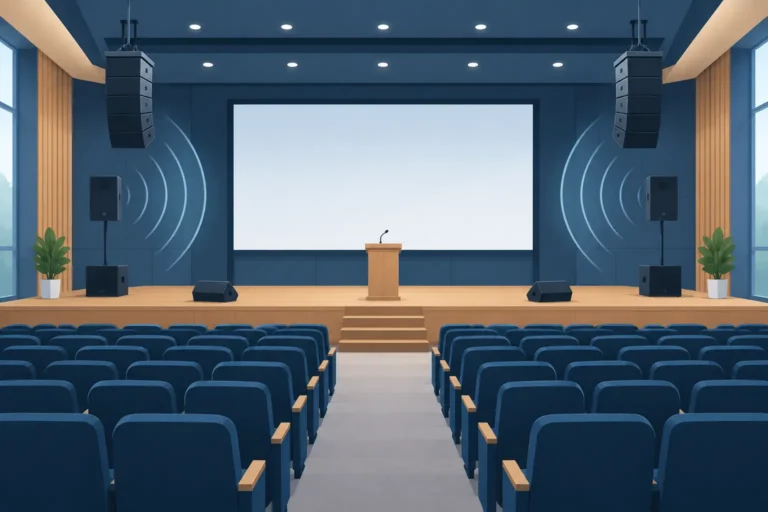
Not every delay is electronic. Sound travels through air at roughly 1,125 feet per second. In a large ballroom, exhibition hall, or outdoor event space, attendees at the rear can hear the main loudspeakers noticeably later than attendees near the stage.
Delay speakers solve this issue when they are aligned correctly. A speaker placed farther into the room should be delayed so its sound arrives at the audience at the same time as sound from the main system. Without alignment, guests in the overlap area hear two versions of the same speech, separated by enough time to reduce clarity.
Speaker delay is calculated from distance, but it should also be verified by listening and measurement. Venue layout, ceiling height, reflective surfaces, and the positioning of temporary partitions can affect how the system performs once the room is occupied.
Remote and hybrid event latency
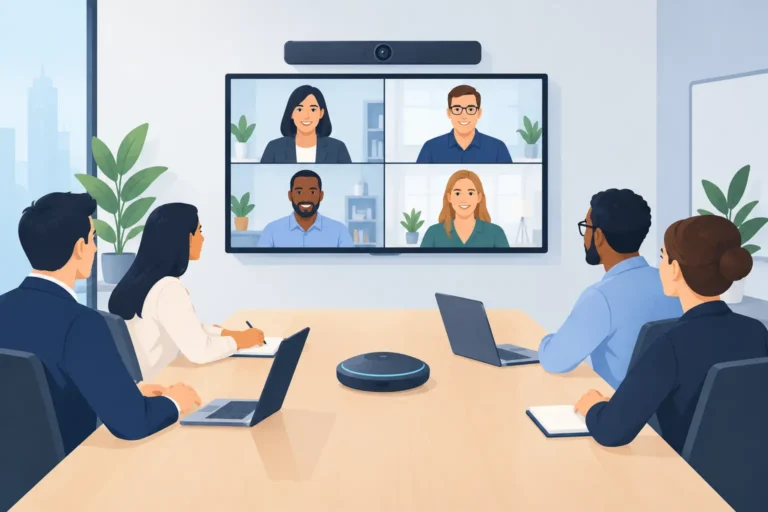
A remote presenter may hear the event with a delay caused by internet transmission, conferencing software, browser processing, and the return audio mix. Unlike in-room production latency, this delay can vary throughout the session because it depends on network conditions and the platform in use.
Trying to eliminate all remote latency is rarely realistic. The practical goal is to manage it. Remote speakers need clear cueing, a reliable program return, and instructions not to monitor themselves through a delayed return feed. Moderators should leave space after asking questions, particularly when remote participants are joining from other countries.
For hybrid events, the audio team should avoid sending a remote contributor a mix that includes their own delayed voice unless the platform manages echo cancellation properly. A mix-minus feed, which excludes that contributor’s own return audio, is often the correct operational choice.
How to diagnose delay before doors open
The fastest way to solve a delay problem is to isolate where it begins. Start with a wired microphone connected directly to the primary console and main loudspeakers. Then add systems one at a time: video playback, LED processing, interpretation distribution, recording, streaming, and remote platforms. This reveals the point at which timing changes.
During rehearsal, test with a visible and audible reference, such as hand claps, a spoken countdown, or a dedicated synchronization signal. Check the result from the front rows, the rear of the room, backstage, interpretation booths, overflow areas, and the online platform. A system can sound correct at front of house while creating an unacceptable delay for interpreters or remote presenters.
Avoid using consumer Bluetooth connections in critical live signal paths. Bluetooth can be convenient for informal playback, but its latency is variable and rarely suitable for presenter monitoring, conference interpretation, or synchronized event audio.
Building a delay-resistant event system
Reliable timing starts with event design, not emergency troubleshooting. The technical team should know whether the event includes image magnification, multilingual interpretation, silent headsets, live streaming, remote speakers, recordings, or adjacent breakout rooms. Each requirement changes the signal-flow plan.
For high-stakes programs, use professional equipment that can be measured, synchronized, and controlled centrally. Document input sources, output destinations, processing stages, backup paths, and the intended timing relationship between audio and video. Keep the route as direct as practical, while recognizing that intentional delay is sometimes required for synchronization or speaker alignment.
DLC Events supports this process with configured audio, conferencing, interpretation, video-support, and control packages backed by experienced technical crews. The objective is not simply to provide equipment, but to establish a system that works predictably across every attendee touchpoint.
A few milliseconds may be invisible on a system diagram, yet obvious to a speaker, interpreter, or guest trying to follow a presentation. Plan the signal path early, test it in the actual venue, and give the production team enough time to make measured adjustments before the first microphone goes live.